+700 designers have already tried Bimex

Transform Any Image into a Revit Family with AI

Send a photo from your phone and watch the AI create the Revit family

Try for free, no credit card required

Bimex 3D Generation Demo

Try AI Family Generation Now

Select an image to generate your family

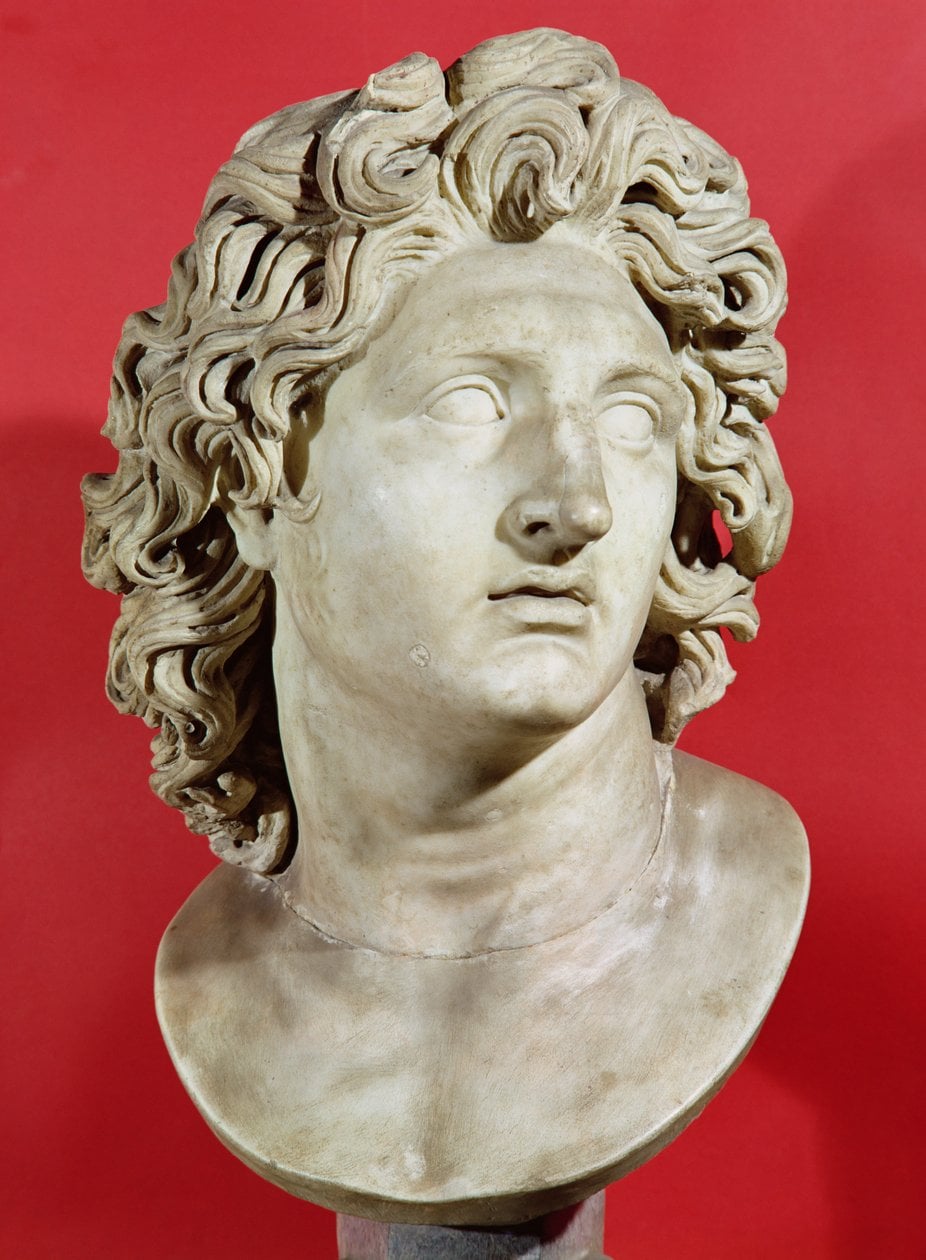
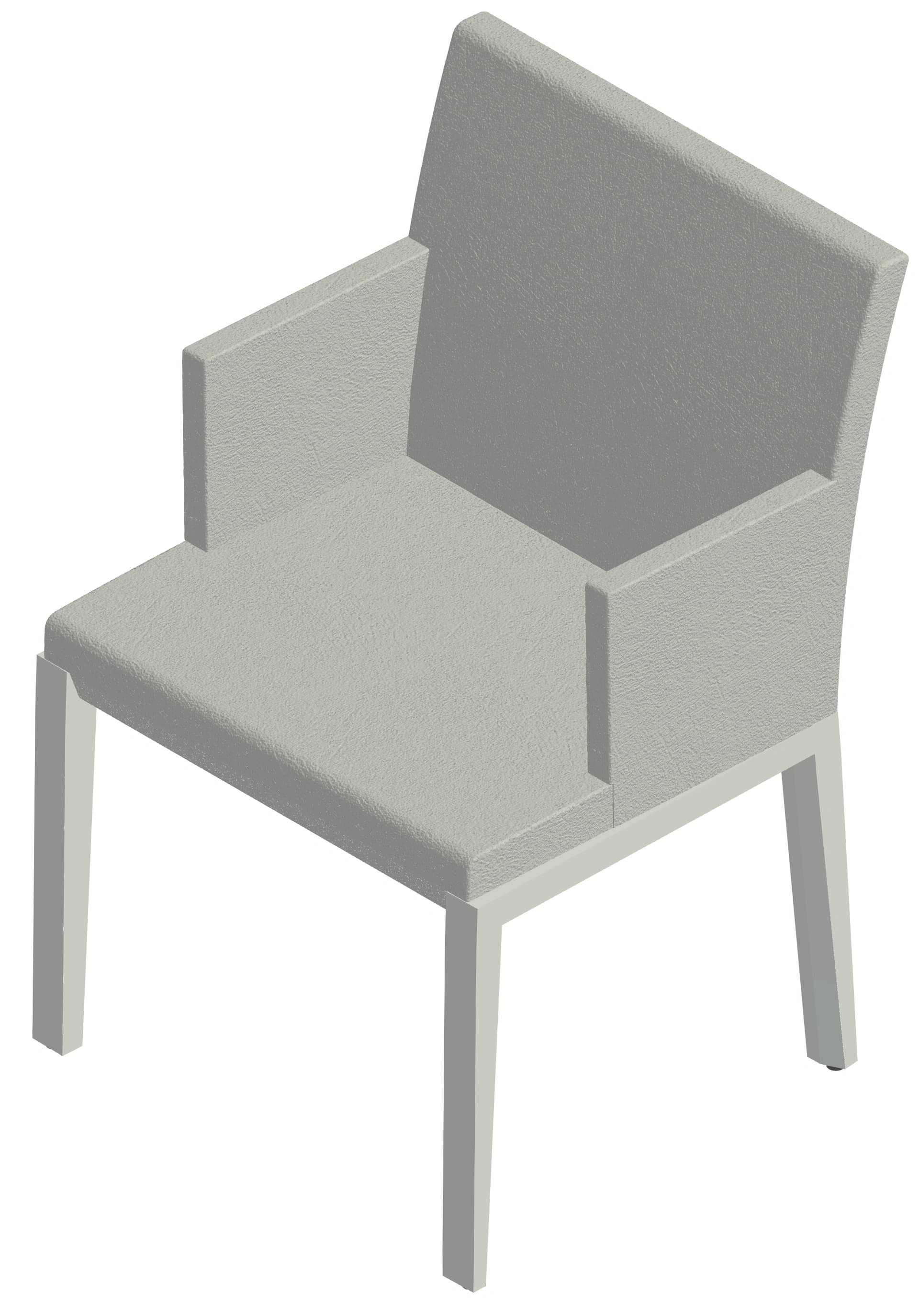
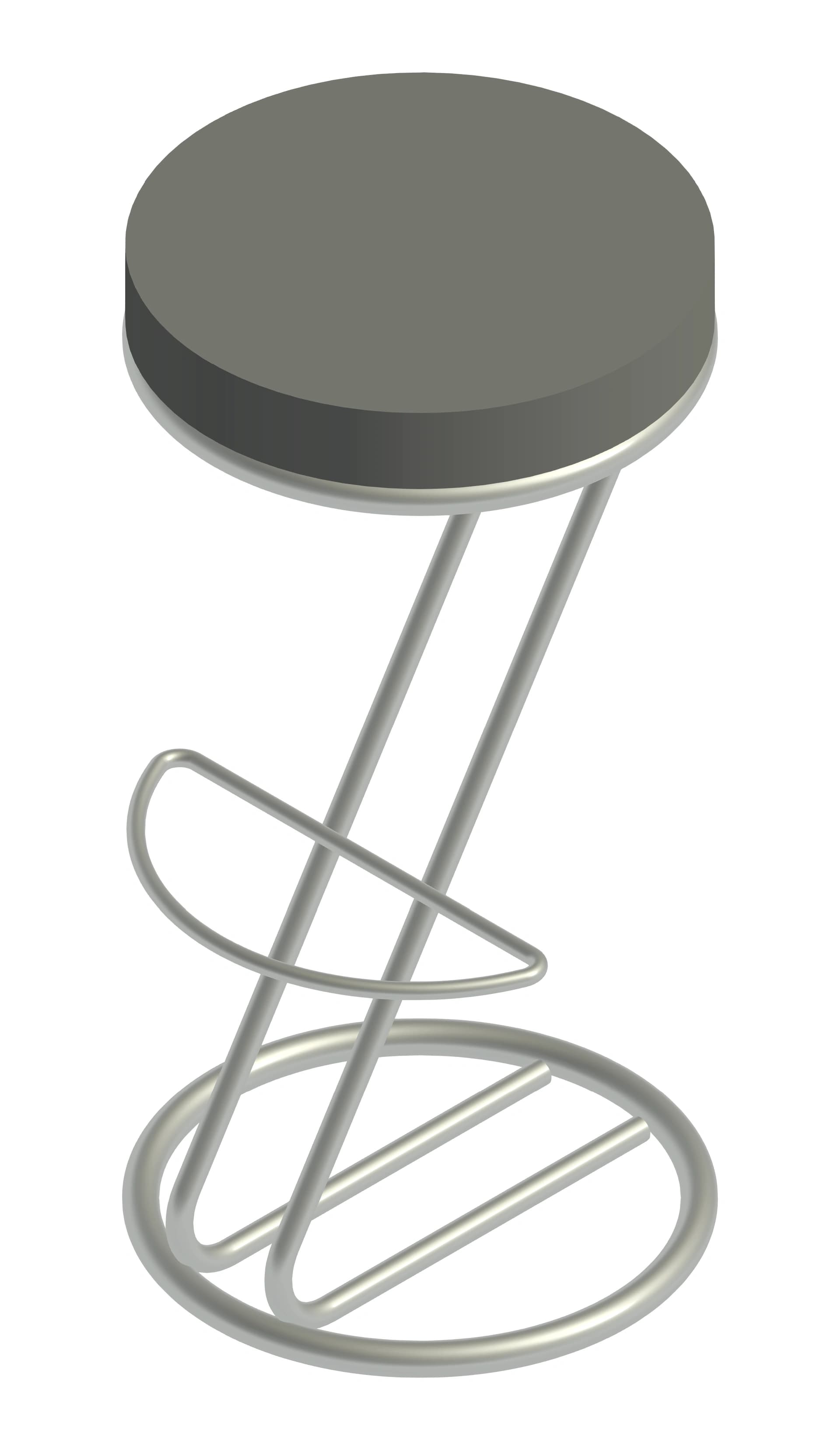
Don't have an image right now? Pick an example and see the result:

What Our Users Say

“It's quite restrictive to use tools that aren't compatible with Revit. We used to have to export from SketchUp to Revit, then scale and modify. This tool has become a valuable resource for both project time and modeling representation, without restrictions.”

WM

Wellington Manoel

Arch. – Ellos Arquitetura

“Bimex is one of the best tools in terms of cost-benefit. It allows real savings when detailing projects.”

PI

Pedro Ibernon

Civil Eng. - Engex Engenharia

“Being completely honest, I thought it was one of those miraculous AI promises that don't work, but I tried it and it really surprised me. I recommend people take a look before judging.”

LR

Luiz Ramos

Civil Eng. - Roraima Energia

Autodesk Revit Logo

Native and optimized integration for Autodesk Revit®

Comprehensive Catalog

Browse our collection of Revit families.

0+Families
IntegrationNative in Revit
Weekly Updates
SMART PLUGIN

Invest in your productivity.

Choose the plan that best fits your needs or get started on us.

Start with the welcome offer

100 families cataloged by AI and 3 AI generations to try.

Try the plugin, no credit card

Enterprise

Many licenses and a large library? We set up a pilot with your team, with corporate billing.

Aditus

The essentials for efficient modeling. Complete catalog inside Revit and your first personal library, with up to 500 automatically cataloged families.

$
4
7
/mo
Annual Billing
Plugin Access
Full Catalog Access
Your Library (500 families / 5 GB)
Batch upload (50 at once)
Up to 20 tags and 20 categories
Join an office
Support & Updates

7-Day Unconditional Guarantee

Recommended

Selecto

Tools to accelerate complex workflows. Turn images into families with AI in minutes and gain hours of daily productivity.

$
7
7
/mo
Annual Billing
Plugin Access
BIMEX AI Access
Private Library (2,000 families / 20 GB)
Batch upload (100 at once)
Create your team office
Unlimited tags and categories
Full Catalog Access
Support & Updates

7-Day Unconditional Guarantee

Elite

Maximum performance and expanded volume. Exclusive features and priority support for operations that can't stop.

$
1
4
7
/mo
Annual Billing
Plugin Access
Expanded BIMEX AI Access
Office library (10,000 families / 100 GB)
Upload your whole library at once
Office file naming standard
All icons and colors
Full Catalog Access
Experimental Features Access
Dedicated Premium Support

7-Day Unconditional Guarantee

Compare features

FeaturesAditusSelectoElite
Your library
Own families5002,00010,000
Storage (.rfa + thumbnail)5 GB20 GB100 GB
Batch upload50 at once · annual: unlimited100 at once · annual: unlimitedNo batch limit
Private families
Office (team library)JoinCreate and joinCreate and join
Own tagsUp to 20UnlimitedUnlimited
Own categoriesUp to 20UnlimitedUnlimited
Icons and colors10 icons · grayscale10 icons · grayscaleAll
Custom file name
AI cataloging in your standard
AI Generation
AI Generation
Higher generation limit:
Generation HistoryUnlimitedUnlimitedUnlimited
Access to other users' generations
Library Access
Family DownloadsFullFullFull
Revit Plugin
Updates
Support & Services
Support PriorityStandardMediumHigh
Dedicated Onboarding
Early Access

Frequently Asked Questions

Get answers to common questions about Bimex before you start.

As a welcome, you get 100 families in the library, cataloged by AI, and 3 AI generations per person to try, no credit card. It is a courtesy from Bimex, valid while the offer lasts. If it changes, we let you know first.

You choose, family by family: public, office-only or just yours. Private families never show up in anyone's search or catalog. Photos sent to the generator are only used to generate the family and are then discarded.

The quality of the input defines the quality of the output. Use: light/white background, isolated object, good lighting, isometric or front view. Avoid: harsh shadows, overlapping objects, cluttered scenes, or cropped photos.

To generate complex shapes for diverse objects without making the model heavy, the generated families are not parametric. However, you can create object variations by running new AI generations.

It works with Revit 2022 and later, on Windows.

Yes, with no commitment or fee. After you cancel, your families are kept for 3 months so you can export everything, tag tree included. After that, they are deleted.

On paid plans, you have a 7-Day Unconditional Guarantee from your first charge: if it's not for you, we refund 100%.
Carregando...

Carregando...