+700 designers have already tried Bimex

Find any office family in seconds, right inside Revit.

AI catalogs every .rfa on your server in your office standard. You search and insert without leaving Revit.

Organize my families for free

100 families included · no credit card

BIMEXOffice library
Revit 2026
living room
Room: Living room4 families · 0.2 s
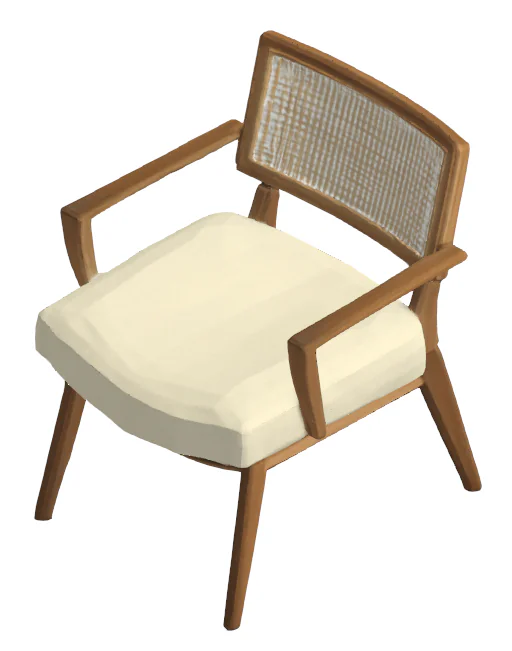
Conde Armchair in Light Linen

Conde Armchair in Light Linen

Living room › Armchairs

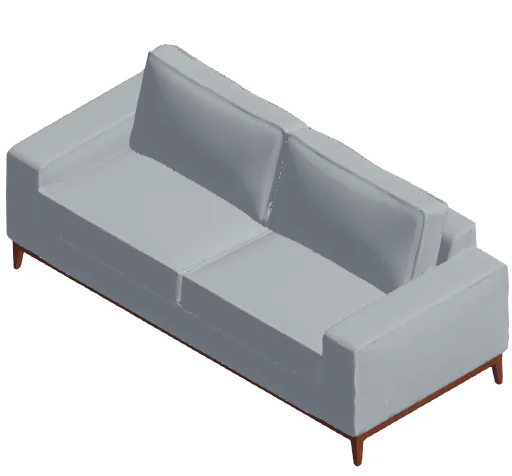
Law 3-Seat Sofa

Law 3-Seat Sofa

Living room › Sofas

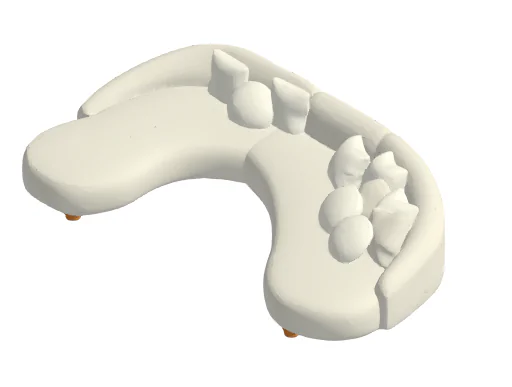
Opus Curved Sofa

Opus Curved Sofa

Living room › Sofas

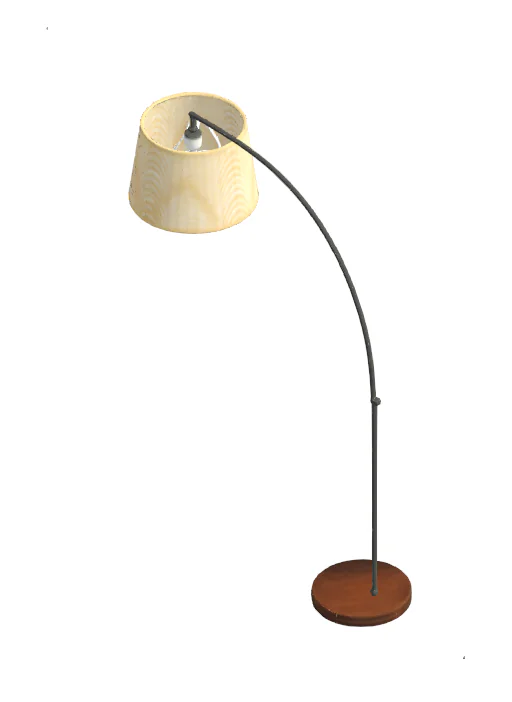
Maira Floor Lamp

Maira Floor Lamp

Living room › Lighting

Click and drag to insert into your project

+700
Designers have tried it
+5,000
Families in Catalog
2022–2026
Native in Autodesk Revit
100
Free families to start
The Hidden Cost

How much does it cost not finding what you already have?

The loss isn't the missing file — it's the time wasted remodeling what your office already paid to create.

eames armchair

No items match your search.

It was here all along:

\\server\BLOCKS\_OLD\rev02\Charles Eames Armchair_ok_DO_NOT_DELETE.rfa

01

"Modeled again what already existed"

The family exists. It is in \server\BLOCKS\_OLD. Nobody finds it in 30 seconds, so someone models it from scratch — for the third time.

How Bimex solves it →
C:\Users\ana\Desktop\chair_final.rfa
C:\Users\bruno\Downloads\chair_final(1).rfa
\\server\BLOCKS\chair_final_v3.rfa
D:\Projects\Clinic\chair-final-OK.rfa

4 copies · none official

02

"Everyone has their own copy"

Four designers, four folders, four versions of the same chair. None is official, and all end up in client deliverables.

How Bimex solves it →
Naming_Manual_v4.pdf

FUR_CHR_OFF_01.rfa

On the server:

Family1.rfa
new_block_copy(1).rfa
meeting-chair-no-material.rfa
03

"Standards exist in PDF, not in practice"

Your office has a naming guideline. Nobody follows it — not out of malice, but because proper cataloging takes time deadlines never allow.

How Bimex solves it →
Extreme Simplicity

Three steps. Bimex handles the rest.

  1. 01

    Drop the folder

    Drag and drop 50, 500, or hundreds of files at once. Bimex parses .rfa, version, and geometry without freezing your PC.

    312 .rfa files

    Reading 214 of 312

  2. 02

    Bimex parses and catalogs

    Clean title, category, room, and axes structured around your office vocabulary — not generic tags.

    Family1.rfa

    Conde Armchair in Light Linen

    Conde Armchair in Light Linen

    Living roomArmchairsRevit 2026

    Cataloged by AI

  3. 03

    You approve. It appears in Revit.

    Quick batch review, choosing whether each family is public, office-only or just yours. The same second, whoever can see it finds the file inside the Revit plugin.

    Conde Armchair in Light LinenOffice

    Available in the plugin

What the library does

Every pain, one answer inside Revit.

What you see in the plugin, feature by feature.

Search that understands your library

Type the way you talk. Search finds families by title, manufacturer, keywords and your own tags and categories, and only shows what opens in the Revit version you are running.

deca basin
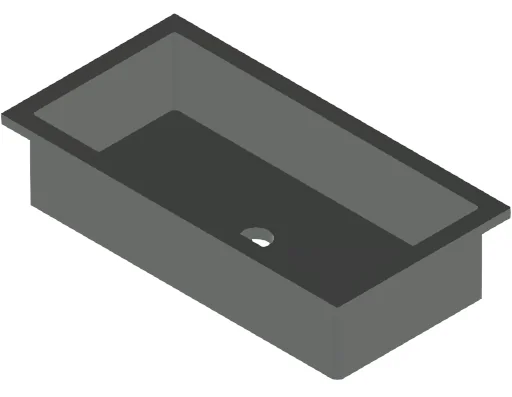
Deca L.1071.95 Rectangular Basin

Deca L.1071.95 Rectangular Basin

Bathroom › Basins · Deca

Deca 1256.C59 Mixer Tap

Deca 1256.C59 Mixer Tap

Kitchen › Fixtures · Deca

✓ Only what opens in Revit 2024

Duplicates stopped at upload

Before uploading, Bimex compares the file with what you already have — and, in an office, with the team library. An identical file never goes in twice or uses your quota.

chair_final(1).rfa

Identical to “Florença Chair”

Not uploaded · quota kept

Tags and categories as a tree

Nest tags inside each other and drag to reorganize. Every tag and category has an icon and a color, and the AI marks your tags that fit each new family.

  • Living room
    • Armchairs12
    • Sofas8
  • Bathroom
    • Basins21
    • Fixtures9

Three visibilities

Each family goes in public, private to the office, or private to you. Private families do not show up in anyone’s search or catalog outside you and your office.

PublicOfficeOnly me

Naming standard

Each family’s title follows the pattern you set, on every plan. On Elite you also set the file name — the family’s name inside Revit — and the leader applies it to everything the team uploads.

Family1.rfaBMX_ARMCHAIR_FUR_R2026.rfa

Office

A private library for the team. The leader invites by e-mail and decides who creates and organizes categories and who edits other people’s families.

  • ANAnaLeader
  • BRBrunoEdits families
  • CACarlaOrganizes categories
  • DIDiegoViews the library

1,284 office families

How much time and money Bimex gives back

Set your hourly rate and see the estimated return over one year.

$40/hr

According to Autodesk data, a designer spends an estimated 3 hours a week searching for families. Our plugin can reduce this number by 70%.

Your return on investment

$3,436/yr

net annual return

Hours saved

reduction with bimex plugin

109 h/yr

Gross annual savings

$4,360

Bimex subscription

Selecto Plan · monthly

−$924

ROI

return on investment

+372%

SMART PLUGIN

Start free. Subscribe when your library grows.

Your first 100 families are on us. Paid plans unlock the whole library, office tags and your team.

Not ready to subscribe?

Organize your first 100 families for free, with AI cataloging. No credit card.

Mark them private and your families are not published.

Enterprise

Many licenses and a large library? We set up a pilot with your team, with corporate billing.

Book a demo / pilot

Aditus

The essentials for efficient modeling. Complete catalog inside Revit and your first personal library, with up to 500 automatically cataloged families.

$
4
7
/mo
Annual Billing
Plugin Access
Full Catalog Access
Your Library (500 families / 5 GB)
Batch upload (50 at once)
Up to 20 tags and 20 categories
Join an office
Support & Updates

30-day money-back guarantee

Recommended

Selecto

Tools to accelerate complex workflows. Turn images into families with AI in minutes and gain hours of daily productivity.

$
7
7
/mo
Annual Billing
Plugin Access
BIMEX AI Access
Private Library (2,000 families / 20 GB)
Batch upload (100 at once)
Create your team office
Unlimited tags and categories
Full Catalog Access
Support & Updates

30-day money-back guarantee

Elite

Maximum performance and expanded volume. Exclusive features and priority support for operations that can't stop.

$
1
4
7
/mo
Annual Billing
Plugin Access
Expanded BIMEX AI Access
Office library (10,000 families / 100 GB)
Upload your whole library at once
Office file naming standard
All icons and colors
Full Catalog Access
Experimental Features Access
Dedicated Premium Support

30-day money-back guarantee

Compare features

Compare features

FeaturesAditusSelectoElite
Your library
Own families5002,00010,000
Storage (.rfa + thumbnail)5 GB20 GB100 GB
Batch upload50 at once · annual: unlimited100 at once · annual: unlimitedNo batch limit
Private families
Office (team library)JoinCreate and joinCreate and join
Own tagsUp to 20UnlimitedUnlimited
Own categoriesUp to 20UnlimitedUnlimited
Icons and colors10 icons · grayscale10 icons · grayscaleAll
Custom file name
AI cataloging in your standard
AI Generation
AI Generation
Higher generation limit:
Generation HistoryUnlimitedUnlimitedUnlimited
Access to other users' generations
Library Access
Family DownloadsFullFullFull
Revit Plugin
Updates
Support & Services
Support PriorityStandardMediumHigh
Dedicated Onboarding
Early Access
For offices

One library. One standard. The whole team.

Your naming manual stops living in a PDF: the leader sets it once, and it applies to everything each designer uploads.

Create an office: Selecto / Elite. To join, any subscription.

Book a demo for my team
01

Create the office

Whoever creates it becomes the leader. The office gets a private library seen only by the team.

02

Invite the team

By e-mail. The invitation shows up in each person’s plugin Settings, and the leader sets each member’s permissions.

03

Standardize

Title and file name in the office standard, applied to every upload automatically. Team categories as a tree, with who sees each one.

Everyone’s copies become one library.

Each member brings their own private families into the office. A file identical to one the team already has stays out, and its tags and categories move to the office family. It can be undone.

FAQ

Frequently Asked Questions

You have a 30-day unconditional full guarantee from your first charge. If it doesn't meet your expectations, we refund 100% with a single click.

Your library already exists. You just can't find it.

Start with your first 100 families, no credit card. When the whole library needs to come in, you pick the plan.

Create my free library

100 families included · no credit card · your families can stay private

Carregando...

Carregando...